Multilingual Desktop Publishing & Design
How does GPI desktop publish and design your multilingual documents?


Step 1: Localization Kit Review
- The Team
-
- Account Manager
- Project Manager
- Desktop Publisher
- Localization Engineers
- The Tasks
-
The final set of source files is reviewed confirming all information in the quote.
The files are prepared in order to utilize a Translation Memory tool workflow and preserve any mark-up/formatting code in order to save time and costs when desktop publishing the language versions.
- Quality Assurance
-
GPI follows a comprehensive, customizable and fully documented Quality Control Process. Each step in our translation workflow includes a series of checklist-based quality audits to ensure the accuracy of the translation. Your QA and workflow processes can also be easily incorporated into our workflow.
- Additional Resources
-
Click on eBook below to learn more.

Other services:
- Tell me more about
Step 2: Localization of All Graphics
- The Team
-
- Project Manager
- Lead Translators
- Desktop Publisher
- The Tasks
-
All embedded translatable text such as call-outs and legends are pulled from graphics and translated using the standard translation workflow.
The translated text is then incorporated into the original graphic, adjusting as required, to create a language or “localized” version of the graphic.
- Quality Assurance
-
GPI follows a comprehensive, customizable and fully documented Quality Control Process. Each step in our translation workflow includes a series of checklist-based quality audits to ensure the accuracy of the translation. Your QA and workflow processes can also be easily incorporated into our workflow.
- Additional Resources
-
Click on eBook cover to download Document Translation Guidebook
Other services:
- Tell me more about
Step 3: Formatting of Language Documents
- The Team
-
- Project Manager
- Desktop Publisher
- Localization Engineers
- The Tasks
-
Formatting or desktop publishing (DTP) includes formatting the target language documentation to match the original source documents in terms of layout, fonts, graphics and overall design.
- Quality Assurance
-
GPI follows a comprehensive, customizable and fully documented Quality Control Process. Each step in our translation workflow includes a series of checklist-based quality audits to ensure the accuracy of the translation. Your QA and workflow processes can also be easily incorporated into our workflow.
- Additional Resources
-
Click on eBook cover to download Document Translation Guidebook
Other services:
- Tell me more about
Step 4: Delivery to Client
- The Team
-
- Project Manager
- The Tasks
-
After translation and desktop publishing, final drafts of all target language documentation and graphics, completely formatted to match source language materials, are provided to the client.
- Quality Assurance
- Client may review and approve all documentation for both translation accuracy and design correctness.
- Additional Resources
-
Click on eBook cover to download Document Translation Guidebook
Other services:
- Tell me more about
Step 5: Final Edits and Archiving of Files
- The Team
-
- Project Manager
- Lead Translators
- Desktop Publishers
- Localization Engineers
- The Tasks
-
Client provides any final comments on the translation and formatting.
Comments are incorporated and final documents are produced.
GPI ensures clients' translation memories and glossaries are updated with any final linguistic changes and the final project folder, including all source files, are archived.
- Quality Assurance
-
GPI follows a comprehensive, customizable and fully documented Quality Control Process. Each step in our translation workflow includes a series of checklist-based quality audits to ensure the accuracy of the translation. Your QA and workflow processes can also be easily incorporated into our workflow.
- Additional Resources
-
Click on eBook cover to download Document Translation Guidebook
Other services:
- Tell me more about
Need promotional brochures in several languages for your next trade show or country offices? Is your technical writing team publishing a set of manuals with complete TOC, indices and conditional text in Chinese?
Let GPI’s team of multilingual designers and desktop publishers create language versions of your documentation for worldwide use. With expertise and certifications in many desktop publishing applications, such as Adobe InDesign, Microsoft Word, Powerpoint and Photoshop, GPI can create and translate documents in any format and language you require.
Multilingual Desktop Publishing & Design Benefits:
- DTP applications include MS Word, Adobe InDesign, Adobe Framemaker, QuarkXpress, Powerpoint, Acrobat, Robohelp and Captivate
- Experience with many documentation types from simple business cards and brochures to complex technical manuals utilizing DITA/XML
- Authoring and publishing workflows are client driven
- Training and consultation available on desktop publishing & design global best practices
Latest Blog Posts
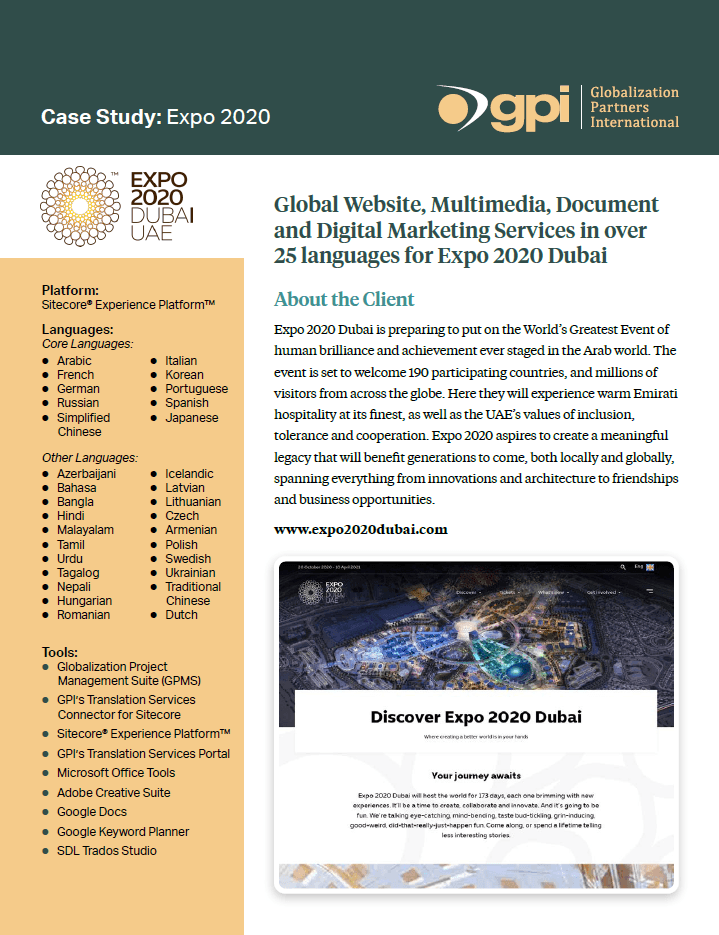
Expo 2020
About the Project Globalization Partners International provided a comprehensive range of translation...
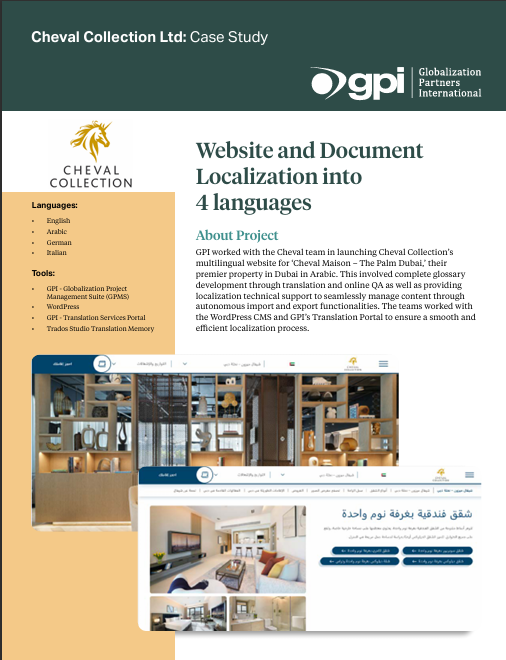
Cheval Collection Ltd
About the Project: GPI worked with the Cheval team in launching Cheval Collection’s multilingual w...
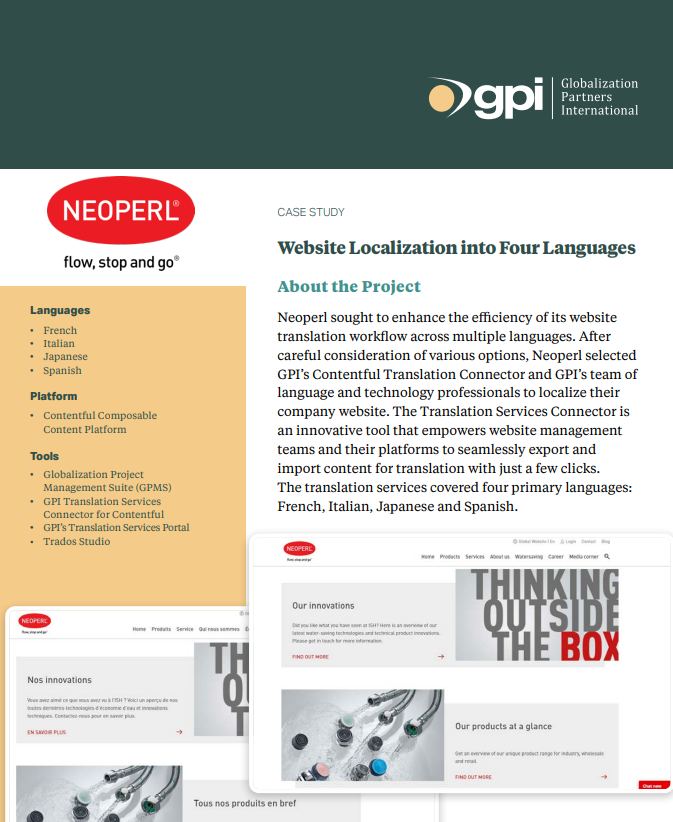
Neoperl
About the Project Neoperl sought to enhance the efficiency of its website translation workflow acros...